How to Audit Your Interview Scheduling Workflow (And Fix What's Slowing You Down)

Quick answer
A scheduling audit maps every handoff in your interview workflow, measures delay at each stage, and benchmarks your numbers against real data. Most teams find 3–5 fixable bottlenecks in under two hours. candidate.fyi's platform data shows the gap between broken and optimized scheduling is 9x — 243 minutes per interview vs. 27 minutes.
Your interview scheduling workflow is slower than you think. Not by a little. By candidate.fyi's measure of 257,946 scheduling events, coordinator-managed scheduling takes 243 minutes per interview on average. Self-scheduling takes 27. That 9x gap isn't caused by lazy coordinators — it's caused by a workflow that was never designed for the volume, complexity, or speed that enterprise recruiting now demands.
The fix starts with an audit. Not a vague "let's review our process" conversation, but a structured diagnostic: map every handoff, measure delay at each stage, identify the bottleneck pattern, benchmark your numbers, and prioritize fixes by how much time they actually recover. This guide walks you through all five steps.
Before you start: if you want to understand where your team sits on the broader coordination maturity curve, read the Recruiting Coordination Maturity Model first. This audit guide is the operational companion — it's how you diagnose the specifics once you know your level.
What an Interview Scheduling Audit Actually Is
Featured snippet
An interview scheduling audit is a structured review of every step in your interview coordination workflow — from ATS stage change to confirmed calendar invite. It identifies where time is lost, which handoffs fail most often, and what's driving your reschedule rate. A complete audit surfaces the specific fixes that recover the most coordinator hours.
The word "audit" sounds heavier than it needs to be. This isn't an IT compliance exercise or an executive presentation. It's two hours with the right data, looking at the right questions.
Specifically: an interview scheduling audit traces a single interview request from trigger to confirmed invite, then measures how long each step takes, who touches it, and where it stalls or breaks. Do that for a representative sample of your interview types — recruiter screens, panel loops, executive interviews — and patterns emerge fast.
What you're NOT doing: guessing at what feels slow, relying on coordinator anecdotes, or treating "we're busy" as an explanation. The goal is specific numbers attached to specific handoffs.
Why Most Teams Skip This Audit (And Pay for It)
Featured snippet
Most recruiting teams skip a scheduling audit because coordination problems feel like symptoms — not systems. But scheduling inefficiency is structural: candidate.fyi's data across 257,946 scheduling events shows manual coordination takes 243 minutes per interview versus 27 minutes with automation. That gap compounds every week without diagnosis.
Scheduling problems feel like weather — something that happens to you, not something you built. A coordinator chases an interviewer. A candidate reschedules. A panel conflicts. Each event feels random, so teams address each one individually instead of looking at the system producing them.
That's expensive. At a 14% reschedule rate — which candidate.fyi's data shows is consistent across recruiting orgs regardless of process quality — a team running 100 interviews a week absorbs 14 manual rebuilds every single week. Multiply that by 52 weeks. The problem isn't the individual reschedule. It's that the system has no mechanism to handle them at scale without a human in the loop every time.
The audit makes the system visible. Once you can see the workflow, you can measure it. Once you can measure it, you can fix it.
Step 1 — Map Every Handoff in Your Scheduling Workflow
Featured snippet
Start by listing every moment your scheduling workflow passes from one person or system to another — ATS to coordinator, coordinator to interviewer, interviewer back to coordinator after a decline. Most teams discover they have 6–10 handoffs per interview loop. Each one is a potential delay point and a place where coordination can fail silently.
Pull out a whiteboard or a Google doc. Pick one interview type — a recruiter screen is the simplest to start with — and trace exactly what happens after a candidate advances in your ATS.
A typical recruiter screen workflow looks like this: ATS flags the stage change → coordinator gets notified (or doesn't, if it's manual) → coordinator checks candidate availability → coordinator checks recruiter availability → coordinator drafts and sends invite → recruiter confirms → candidate confirms → calendar holds → confirmation emails go out. That's seven handoffs before anyone is on a call.
Panel interviews add another layer: interviewer selection, panel construction, training/certification checks, multi-timezone availability windows, and a reschedule chain if any panelist declines. Enterprise panel loops routinely involve 10–12 handoffs.
For each handoff, note: Who is responsible? What triggers the next step? Is that trigger automatic or manual? What breaks here most often? Be specific. "Coordinator emails hiring manager" is a handoff. "Hiring manager ignores the email" is a failure mode. Document both.
Step 2 — Measure Delay at Each Stage
Featured snippet
For each handoff, calculate average response time. How long from ATS stage change to invite sent? How long from invite sent to interviewer confirmation? How long to resolve a decline? These numbers exist in your ATS and calendar data — you just haven't pulled them together. This step turns a vague "scheduling feels slow" problem into specific, measurable gaps.
This is where most teams discover their actual problem — and it's almost never where they expected.
Pull data from your ATS and calendar system for the last 30–60 days. For each interview type you mapped in Step 1, calculate:
Time-to-trigger: How long from ATS stage advance to the first scheduling action? If measured in hours, you have a manual-trigger problem. Under five minutes means your trigger is automated.
Time-to-confirmation: How long from invite sent to all parties confirmed? Benchmark: self-scheduling averages 27 minutes; coordinator-managed averages 243 minutes.
Reschedule response time: When an interviewer declines, how long until the slot is rebuilt? Manual average: 68 hours. AI-assisted: ~20 hours. Fully autonomous: under two hours.
Time-to-interview: From ATS stage change to the interview actually happening. Benchmark: 3.9 days with self-scheduling, 5.9 days with coordinator-managed scheduling.
If you can only get two of these numbers, prioritize time-to-trigger and time-to-confirmation. Together they tell you whether your bottleneck is at the start of the workflow or the middle.
153 Interviews Per Coordinator, Per Week.
The average team manages 38 manually. candidate.fyi's AI coordination layer gives your team 4x the capacity — without adding headcount.
Step 3 — Identify the Bottleneck Pattern
Featured snippet
Scheduling bottlenecks follow predictable patterns: single-threaded interviewers, coordinators as manual relay points, Monday chaos (candidate.fyi data shows 40% more interviewer declines on Mondays vs. Fridays), and ATS stage changes that require a human to manually trigger the next step. Identifying which pattern matches your team determines which fix has the highest ROI.
Once you have the delay numbers, look for which pattern matches your situation. There are four common ones.
The manual-trigger trap. Your ATS advances the candidate. Nothing happens automatically. A coordinator has to notice and initiate scheduling. This is the most common pattern and the highest-leverage fix — automating the trigger removes the delay before anything else in the workflow.
The coordinator relay. Coordinators are the connective tissue between every party. When one person is the required link in every chain, volume spikes turn into emergencies fast. One coordinator out sick means scheduling stops. This pattern shows up as long time-to-confirmation numbers with high variance.
The interviewer bottleneck. Three engineers are qualified to run your technical screen. Two of them get scheduled for everything. The third never gets asked. Load imbalance creates a fake scarcity problem — you appear to have no available interviewers when you actually have underutilized capacity.
Monday chaos. candidate.fyi's 2025 data shows 5,409 interviewer declines on Mondays vs. 3,495 on Fridays — 40% more scheduling disruption at the start of every week. If your reschedule rate spikes on Mondays and your team spends Tuesday mornings doing damage control, this is the pattern.
Most teams have two of these, not one. Fixing the highest-delay pattern first gives the fastest ROI.
Step 4 — Benchmark Against the Data
Featured snippet
Compare your measured delay times against industry benchmarks: manual scheduling averages 243 minutes per interview; self-scheduling resolves in 27 minutes. A 14% reschedule rate is structural across all recruiting orgs. Time-to-interview with self-scheduling is 3.9 days vs. 5.9 days with coordinator-managed availability. If your numbers are worse, you've found your priority.
You now have your numbers. Here's what good looks like.
Time-to-trigger: Under 5 minutes (automated) is the target. 30+ minutes means manual. Over 2 hours means a notification or visibility problem on top of the manual-trigger problem.
Time-to-confirmation: Under 30 minutes for recruiter screens with self-scheduling. Under 90 minutes for panel interviews with AI coordination. Over 4 hours signals a structural coordination gap.
Reschedule response: Under 2 hours with autonomous AI. Under 24 hours is acceptable. Over 48 hours means candidates are sitting in scheduling limbo — and Greenhouse data shows 24% of candidate ghosting is attributable to slow communication during the interview process.
Coordinator capacity: With manual coordination, recruiters handle roughly 38–40 interviews per week per coordinator. With AI scheduling, that jumps to 153. If your team is handling more than 40 per coordinator and struggling, you're above the manual capacity ceiling.
Reschedule rate: 14% is normal. If yours is significantly higher, you have an interviewer availability problem that no amount of coordination efficiency will fix.
Use the Recruiting Coordination Maturity Model to map your benchmarks to the five levels — it shows what typical teams at each stage look like, with data from Discord, Peloton, Intercom, and others.
Step 5 — Prioritize Fixes by ROI
Featured snippet
Not every audit finding is worth fixing immediately. Prioritize by coordinator hours recovered per week, not by which problem feels most urgent. Automating the initial invite trigger typically recovers the most time because it removes the manual step that kicks off every interview loop. Reschedule handling is second — at a 14% rate, it compounds fast across high-volume pipelines.
You'll have a list of findings. Don't try to fix them all at once. Rank each finding by hours recovered per week if this specific thing were fixed — not hours saved theoretically, but hours your coordinators would actually get back.
First priority: Automate the trigger. If scheduling doesn't kick off automatically when a candidate advances in your ATS, everything downstream is delayed before it starts. This single fix often recovers 2–4 hours per coordinator per week at high volume.
Second priority: Reschedule handling. At 14%, rescheduling is guaranteed. At 100 interviews per week, that's 14 rebuilds. If each rebuild takes 68 minutes of coordinator time, that's 16 hours per week on rescheduling alone. Automating conflict resolution and replacement scheduling — what fyi, candidate.fyi's AI agent, handles autonomously — attacks the highest-volume reactive work in the workflow.
Third priority: Self-scheduling for recruiter screens. Swapping coordinator-managed availability (243 minutes) for candidate self-scheduling (27 minutes) on the highest-volume interview type in your funnel is the fastest way to see a capacity improvement. Recruiter screens are typically 60–70% of total interview volume — that math scales fast.
Lower priority: Interviewer load balancing, communication templates, panel construction logic. These matter at scale but won't move the needle if the trigger and reschedule problems aren't solved first.
What to Do After Your Audit
Featured snippet
After completing the audit, you'll have a ranked list of delay points with measurable time loss attached to each. The next decision is whether to fix the process or replace the tooling. Process fixes work at Levels 1–2 of scheduling maturity; above that, the bottleneck is structural and requires AI coordination to resolve. The maturity model determines your starting point for action.
The audit gives you a ranked list of delay points with real time numbers attached. Now you face a decision: process fix or tooling fix?
Process fixes — clearer handoff ownership, better interviewer communication norms, standardized scheduling windows — are worth doing at any maturity level. They reduce friction even with manual coordination.
But above Level 2 of the coordination maturity curve, process fixes hit a ceiling. The bottleneck isn't how people are working — it's that people are doing work that software should do. No amount of process improvement makes a coordinator faster than an automated trigger. No communication norm resolves a panel decline at 11pm before a 9am interview.
At that point, the fix is an AI coordination layer — a platform that monitors your ATS, triggers scheduling automatically, handles reschedules autonomously, and escalates only what actually requires human judgment.
candidate.fyi was built specifically for this. The platform's AI agent, fyi, resolves 82% of scheduling sessions without human intervention. Teams using it handle 153 interviews per week per coordinator — compared to 38 without AI. Relativity Space cut scheduling time from 2.8 days to 16.2 hours in six weeks. Zendesk doubled scheduling capacity from 225 to 445 interviews per week in a month.
The audit tells you where you are. The maturity model (read it here) tells you what level you're at and what the path forward looks like. The decision about tooling follows from both.
Frequently Asked Questions
Featured snippet
The most important metric for measuring interview scheduling efficiency is time-to-schedule per interview type: how long from ATS stage advance to confirmed calendar invite. Benchmark recruiter screen scheduling separately from panel interview scheduling — the gap between them reveals where coordination complexity is costing the most time.
How long does an interview scheduling audit take?
A focused audit of one or two interview types takes two to four hours: one hour mapping handoffs, one hour pulling and analyzing delay data from your ATS and calendar system, and one hour benchmarking and prioritizing. Auditing your full workflow — recruiter screens, panel interviews, executive interviews, and internal scheduling — takes a full day. Most teams find the recruiter screen audit alone surfaces enough to prioritize for the next quarter.
What metrics should I track to measure scheduling efficiency?
The four most important: time-to-trigger (ATS stage change to first scheduling action), time-to-confirmation (invite sent to all parties confirmed), reschedule response time (decline to rebuilt schedule), and time-to-interview (stage advance to interview held). Secondary metrics worth tracking: coordinator interviews per week, reschedule rate by interview type, and candidate satisfaction scores by scheduling method. candidate.fyi benchmarks time-to-confirmation at 27 minutes with self-scheduling vs. 243 minutes with manual coordination.
How do I calculate time-to-schedule for each interview stage?
Pull timestamp data from your ATS: the moment a candidate advances to a stage (trigger) vs. the moment an interview invite is accepted by all parties (confirmation). If your ATS doesn't surface this data natively, look at your calendar system's invite creation timestamps and cross-reference with ATS stage change logs. Run this across 30–60 scheduling events per interview type to get a statistically meaningful average.
What's a good benchmark for interview scheduling speed?
Time-to-confirmation benchmarks from candidate.fyi's 2025 platform data across 257,946 events: recruiter screens with self-scheduling average 27 minutes; availability-based coordination averages 243 minutes. Time-to-interview: 3.9 days with self-scheduling vs. 5.9 days with coordinator-managed. Reschedule response: under 2 hours with autonomous AI vs. 68 hours with fully manual coordination. If your numbers are worse than the manual benchmarks, you've found your starting point.
How does candidate.fyi help teams act on scheduling audit findings?
candidate.fyi addresses the two highest-ROI findings from most scheduling audits: the manual trigger and reschedule handling. When a candidate advances in Workday, Greenhouse, or Lever, fyi kicks off scheduling automatically — removing the trigger delay entirely. When an interviewer declines, fyi handles the rebuild without coordinator intervention. The result: 82% of scheduling sessions resolved autonomously, and coordinators shifted from reactive calendar management to the 28% of work that actually requires human judgment. See how it works →
Bottom Line
The gap between broken scheduling and efficient scheduling isn't a talent problem or a culture problem. It's a measurement problem. Most recruiting teams have never mapped their handoffs or timed their stages — so they're managing symptoms instead of the system.
This audit changes that. Two hours with the right data, and you'll know exactly where your workflow is losing time, which bottleneck pattern is driving it, and which fix recovers the most capacity first.
If your audit reveals you're above Level 2 on the coordination maturity curve, the ceiling on process improvement is real. That's when the conversation shifts from workflow design to AI coordination.
See what candidate.fyi's AI scheduling looks like in your environment →
More Articles

Mastering Candidate Experience: Strategies for Winning Over Top talent
Explore effective strategies for mastering candidate experience in our detailed blog post. Learn how to attract and retain top talent through enhanced communication, leveraging technology, and building a strong employer brand. Gain insights on creating a positive and memorable journey for candidates from initial contact to onboarding.
Your ATS Isn’t Built for This: When You Need Real Interview Scheduling Software
ATS scheduling works—until it doesn’t. High-growth teams need interview scheduling software to scale hiring, improve speed, and candidate experience.
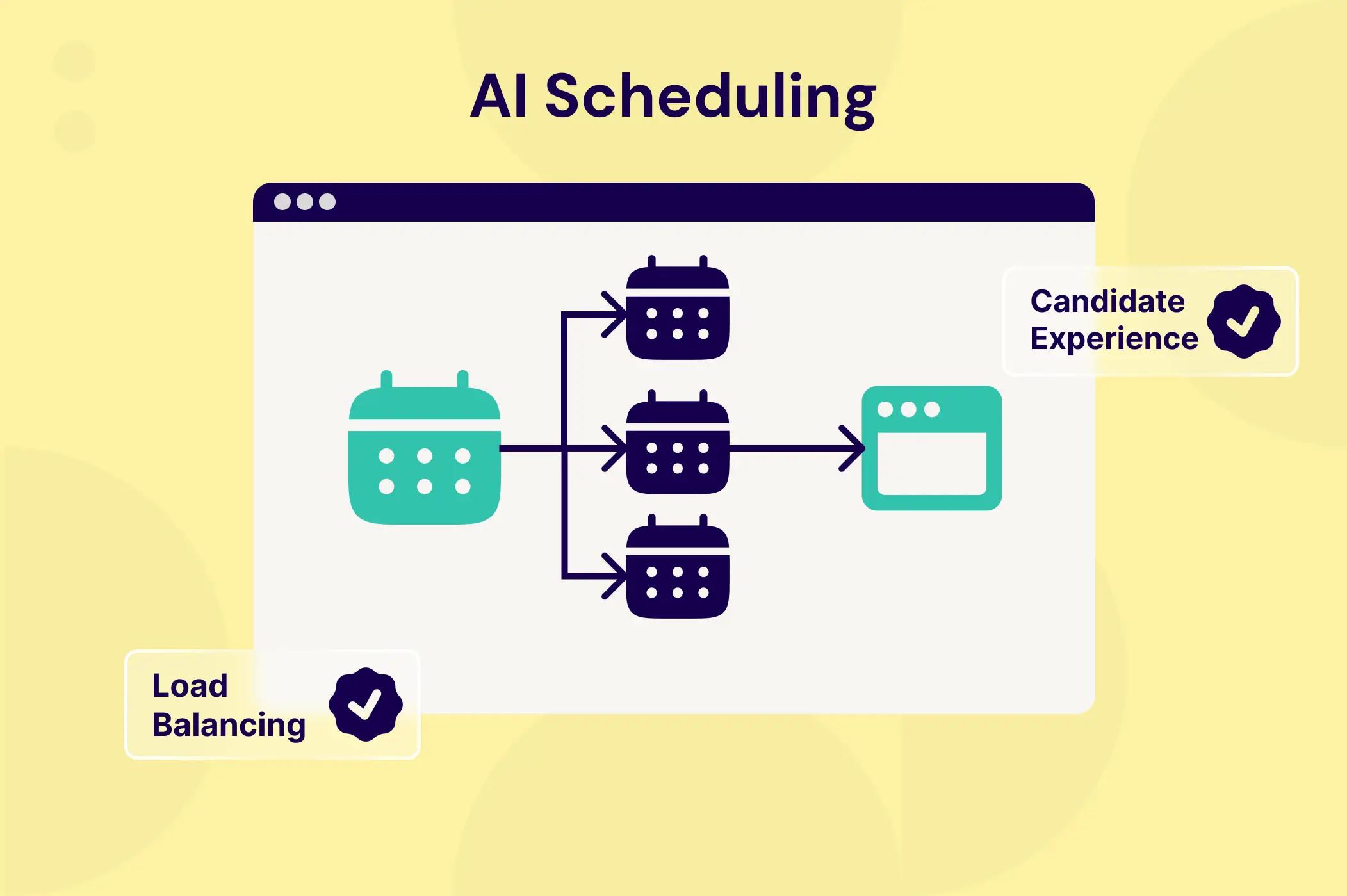
AI Scheduling vs. Self‑Service Links: Which Delivers Better Candidate Experience?
Booking links feel like a quick win because they eliminate the initial email tag. However, treating enterprise hiring like a simple calendar transaction creates hidden costs around interviewer burnout and disjointed candidate experiences.